GTA 6 Launch Checklist: 8 Things to Do Before November 19
Get ready for GTA 6 launch night: pre-load, storage, editions, the Vintage Vice City Pack deadline, account checks and settings. One list, in order.
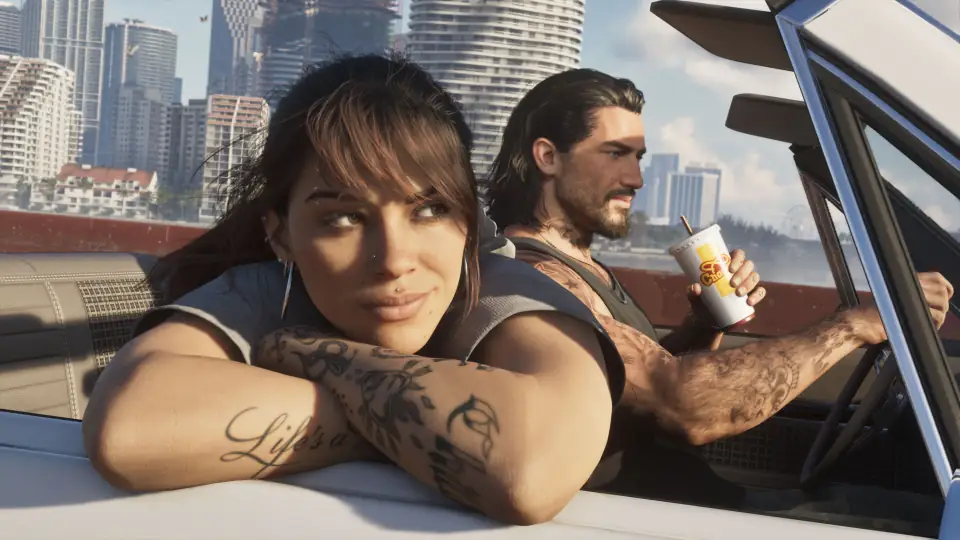
GTA 6 unlocks at midnight local time on Thursday, November 19, 2026. Work through this list before then and you can start playing the minute it goes live.
1. Decide on your edition
Standard costs $79.99 and Ultimate costs $99.99 in the US. Both are the same game; Ultimate adds extra vehicles, weapons and shops. If you are unsure, buy Standard: you can upgrade later. Details in GTA 6 Editions and Price: Standard vs Ultimate Edition.
2. Buy before November 20 for the bonus pack
Purchases made before November 20, 2026 include the Vintage Vice City Pack: a '55 Vapid Stanier with a garage, retro outfits and a weapon pattern. After that date it is gone, so do not leave it until the weekend.
3. Redeem your code if you bought a box
The boxed edition holds a download code, not a disc. Redeem it on the account you play on as soon as you have it, so the pre-load can start.
4. Free up 212 GB
Rockstar lists up to 212 GB of storage, depending on your console. Leave extra room for updates. Delete or move games you are not playing, and clear out old video captures.
5. Start the pre-load
Pre-load has been open since November 10. Open the game in your library and start the download. Our pre-load guide covers the start times per console and what to do if the download will not start.
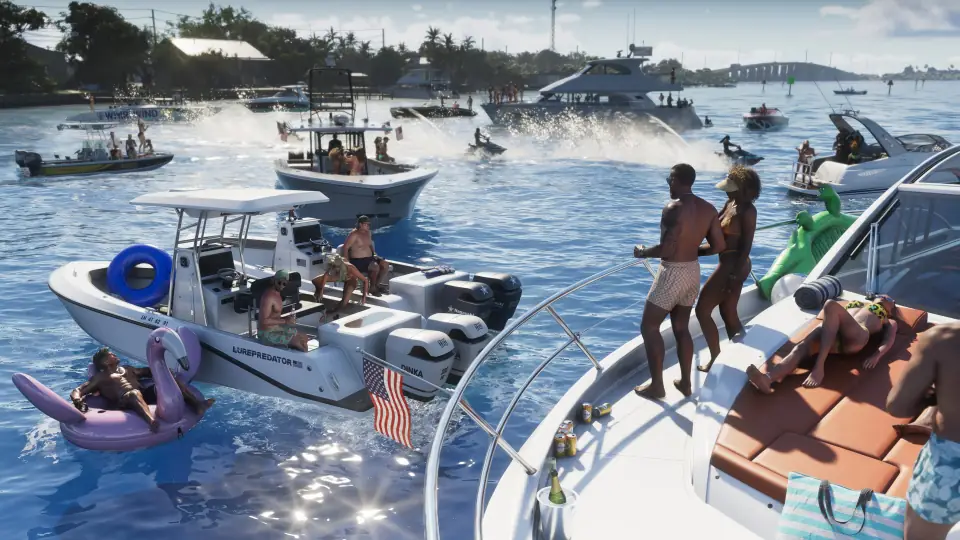
6. Check your accounts
- Make sure you are signed in to the console account that owns the game. Digital licences and redeemed codes are tied to that account.
- Have your Rockstar Games account login ready in case the game asks you to sign in or link it.
- If several people share the console, set the account that owns the game as the console's primary or home console account, so everyone can play.
7. Leave the console updated and online
Keep the console in rest mode (PS5) or with instant-on power settings (Xbox) on launch night. That way system updates and any launch update for the game can install before you sit down to play.
8. Plan your first hour
Rockstar describes GTA 6 as a single player experience, so there is no online lobby to rush to on day one. The first hours of a Rockstar game usually teach you the controls through the opening missions. Do not rush them. And watch out for spoilers: once the game is out, clips from the ending will start circulating. Mute keywords on social media if you want to go in fresh.
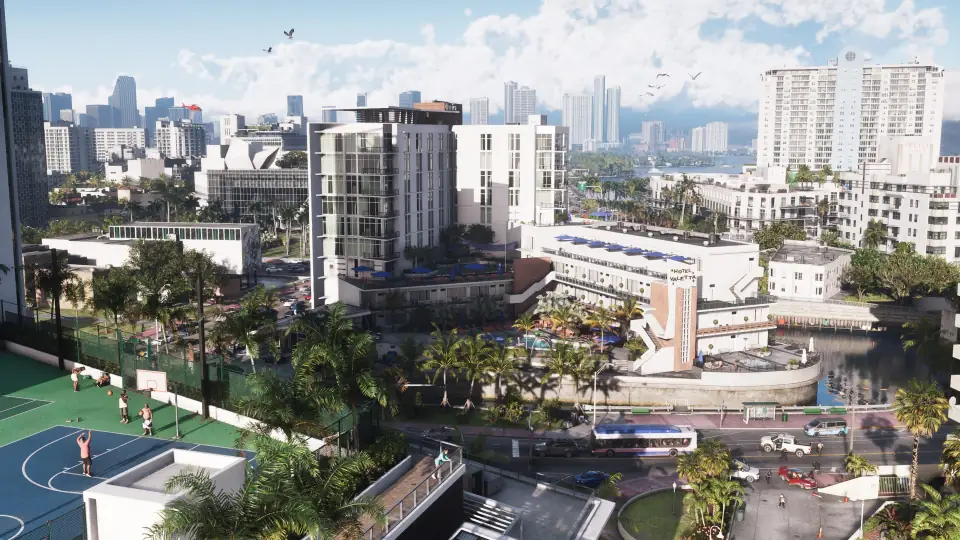
Once you are in, our guide to Leonida and Vice City guide help you find your way around. Money, secrets and glitch guides follow from launch day.
Sources
- Rockstar Support: regional pre-load and release times on PS5 and Xbox Series X|S
- Rockstar Support: Grand Theft Auto VI platforms, editions and versions
- Rockstar Games: Grand Theft Auto VI official site
- Rockstar Newswire: Pre-order Grand Theft Auto VI on June 25
- Video Games Chronicle: no disc version of GTA 6 at launch
Checked on November 16, 2026. Facts come from the sources above; the text is our own.